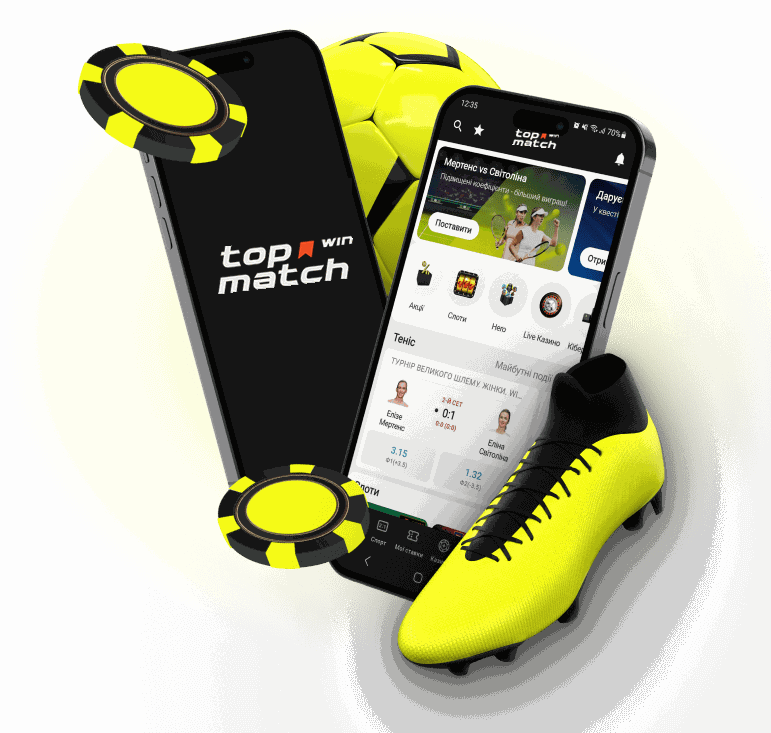
The Top Match app puts the sportsbook, the casino and the cashier on your smartphone, with no browser and no VPN required. It uses the same account as the website, so your bets, balance and bonuses appear as soon as you log in.
This guide covers what is inside the app, how to install it on Android and iPhone, how to log in and top up your balance, and what to do if the installation stalls. The information is current as of October 2026.
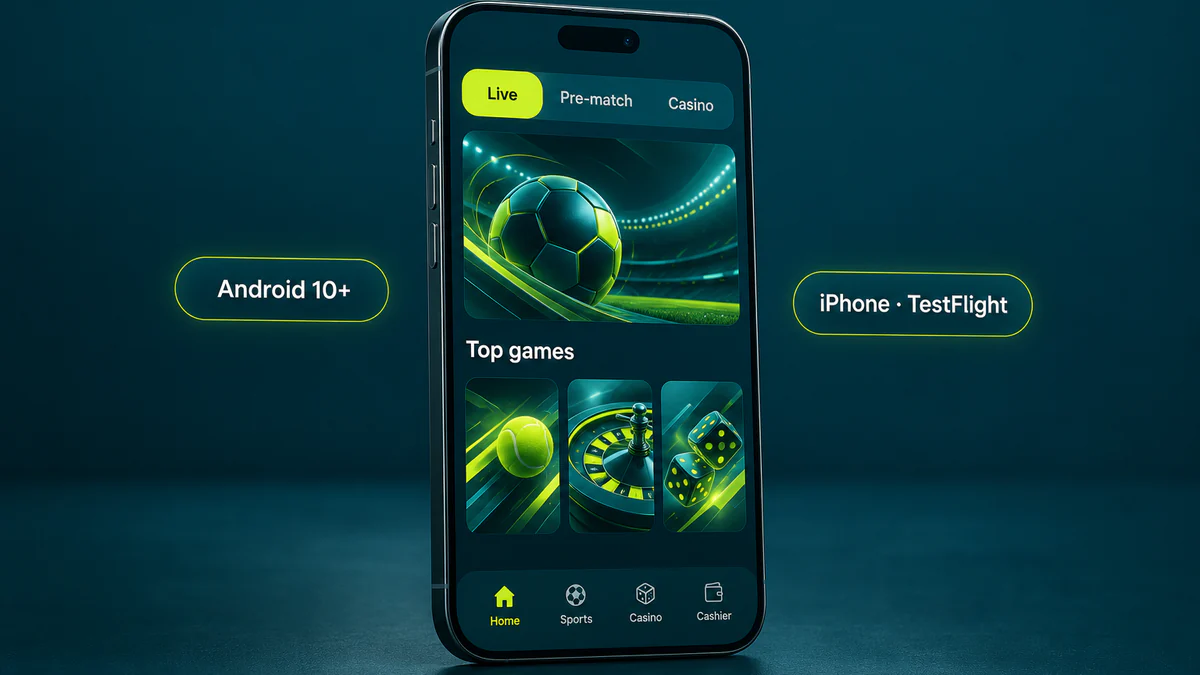
What you get in the app
The mobile app mirrors the sections of the website, so there is nothing new to learn. The main screen brings together everything you need to play from your phone:
- Live betting during matches, with odds that update as the game unfolds.
- Pre-match markets for football, basketball, tennis, hockey, esports and other sports.
- A casino with slots, live tables, crash games and virtual sports.
- Team and player statistics so you can check form before placing a bet.
- Push notifications about matches and promotions, switched on only if you choose.
- A cashier for deposits and withdrawals without leaving the app.
The wallet is shared between sports and casino, so winnings from a bet can go straight to a game table. The same works the other way round.
Android or iPhone: what is the difference
Both versions offer the same features, and only the installation route differs. Neither version is listed in the official app stores, so the download always starts on the brand's website.
| What we compare | Android | iPhone |
|---|
| How it installs | APK file from the official website, QR code. | via Apple TestFlight |
| Version or requirements | build 26.3.4, Android 10 or newer. | TestFlight is free |
| Official store | Google Play is not used. | the App Store is not used. |
| Time needed | a few seconds | up to 2 minutes |
| Updates | manual, new APK over the old one. | through TestFlight |
| VPN | not required | not required |
Installing on Android: the APK via QR code
The quickest way to get the file is to open the official website on a computer and point your phone camera at the QR code. After that, the process looks like this:
- Scan the QR code or open the download page directly on your phone.
- Confirm the download of the APK file in your browser.
- Open the file from your notifications or from the downloads folder.
- Allow the browser to install apps from unknown sources if the system asks for it.
- Tap "Install" and wait a few seconds until the icon appears.
Android shows the unknown sources warning for any file that does not come from Google Play. It is a standard system reaction, not a sign that something is wrong with the app.
Before downloading, check your system version in the settings: build 26.3.4 is designed for Android 10 and newer. When an update comes out, simply download the fresh APK and install it over the current one, and your account and settings will stay in place.
Installing on iPhone through TestFlight
TestFlight is Apple's free service for distributing apps outside the App Store. You can install Topmatch on an iPhone in a few steps:
- Open the iOS instructions on the official website.
- Download TestFlight from the App Store if it is not on your phone yet.
- Return to the instructions and tap the button to install the app.
- Confirm the installation in the TestFlight window that opens automatically.
- Launch the icon from your home screen and log in to your account.
From the first step to launch takes no more than 2 minutes. It is better not to delete TestFlight afterwards, because future updates will arrive through it.
Signing up and logging in within the app
You can create a new account right inside the app, without visiting the website. Besides email with a password, a phone number with the +380 code and Google, the app offers quick sign-up through Apple ID or Telegram.
The account currency is chosen at once: UAH, USD, EUR or cryptocurrency. Like your personal details, it cannot be changed later, so pick it to match the payment method you plan to use most.
If you already have a profile, log in with your account ID, email, phone number or Google account. Keep in mind that only one account per person is allowed: a second profile "just for the phone" will be blocked together with its bonuses.
The cashier in the app
Deposits are available by Visa / MasterCard, Mono, Google Pay / Apple Pay, Binance Pay and cryptocurrency: USDT, Bitcoin, Ethereum and Litecoin. The operator charges no deposit fees.
Withdrawals take anywhere from 15 minutes to several days and go back through the same method you used to deposit. Before the first payout, identity verification with a passport or ID card is required, and it usually takes up to 60 minutes.
Common problems and how to fix them
Most issues during installation or login come down to phone or account settings. Before writing to the 24/7 online support chat, compare your situation with the table below.
| Situation | What to do |
|---|
| The APK will not install. | check that the phone runs Android 10 or newer. |
| The system blocks the file. | allow installation from unknown sources for the browser. |
| The app did not update itself. | on Android, download the new APK and install it over the old one. |
| The password is not accepted. | tap "Forgot password?" and open the email that arrives. |
| The 2FA SMS code does not arrive. | make sure the SIM card with the linked number is at hand. |
| No access to either email or phone. | contact the support chat and confirm your identity with documents. |
Security: download only from the official website
Get the APK and the TestFlight link only from the official Topmatch website. Files from forums, catalogues or messengers may be fake and designed to steal your login details.
To protect your account, set a password of at least 12 characters, turn on two-factor authentication with an SMS code. If you have logged in on someone else's device, remember to log out of your profile.
Pros and cons of the app
Pros: Android and iPhone versions with identical sections, quick installation, no VPN needed, a built-in cashier, and sign-up through Apple ID, Telegram or Google.
Cons: not available on Google Play or the App Store, manual updates on Android, and no support for older phones below Android 10.
The app is worth installing if you often bet live or play casino games on your phone. If you only drop by now and then, the mobile version of the website gives you the same options.
Checked: 30.10.2026
Sources: Curaçao licence No. 8048/JAZ2024-052; official Topmatch website
Questions about the app
Why is the app not on Google Play or the App Store?
It is distributed directly: on Android as an APK file from the official website, and on iPhone through Apple TestFlight. The features are the same either way.
Which Android version do I need?
Android 10 or newer. The current build is 26.3.4, and it will not install on older systems.
Can I register right in the app?
Yes, with email, a phone number with the +380 code or Google, as well as through Apple ID or Telegram. Choose the account currency straight away, because it cannot be changed later.
Do I need a VPN?
No, the app works without a VPN or proxy. If it does not connect, check the internet connection on your phone first.
Where do Topmatch app updates come from?
On iPhone, updates arrive through TestFlight. On Android, download the new APK from the official website and install it over the previous version.
21+. Gambling can be addictive. Please play responsibly.